BUILD KIT · v1.0
A headless CMS that generates real Flutter and Next.js apps.
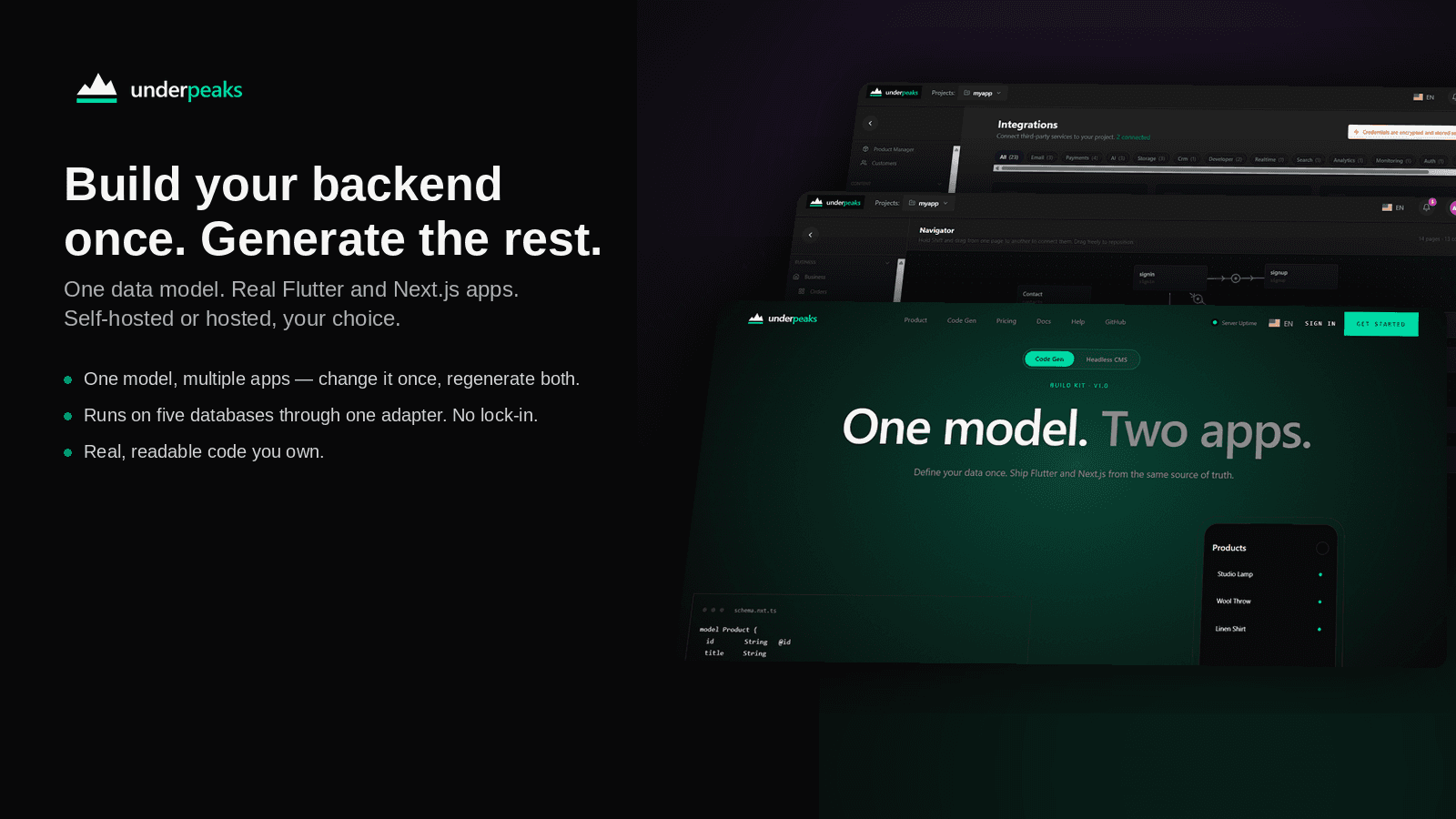
One model. Two apps.
Define your data models once in a visual editor, then generate source code you own. Free and self-hosted, or hosted in Studio.
model Product {
  id        String   @id
  title     String
  price     Decimal
  hero      Image
  tags      String[]
  published Boolean  @default(false)
}

@generate(flutter, nextjs)§ 01 — Thesis
Most CMSs end at content. Yours should ship the app.
UnderPeaks treats your schema as the contract. Backends, admin UI, mobile, and web are generated from it — code you own, not opaque dashboards you rent.
§ 02 — Pillars
Self-hosted forever
Your data, your servers, your stack. Five database backends. No lock-in.
Code, not config
Generates real Flutter and Next.js source. Edit, fork, deploy anywhere.
Studio when ready
Hosted plan adds AI assist, marketplaces, billing, and integrations.
Pricing
Free at the core. Hosted when you need it.
Prices shown in USD. Local currency and tax calculated at checkout.
§ 03 — Generation
One schema. Five backends. Two apps.
§ 04 — Core vs Studio
Same engine. Different job.
Core gives you everything you need to generate real apps on your own servers. Studio runs it for you — and adds the tools that turn a backend into a product.
- All five database adapters
- Full Flutter + Next.js code generation
- Runs on your own infrastructure
- Open source, free forever
Everything in Core, plus:
- Managed hosting — no servers to run
- Visual navigator
- API Builder for custom endpoints
- Third-party integrations — payments, email, SMS, AI and more
- Teams, roles and multiple projects
§ 05 — Features
Everything between your data and your app.
It moves on by itself, or swipe or use the arrows. Items marked Studio are part of the hosted plans.
§ 06 — Studio
A look inside Studio.
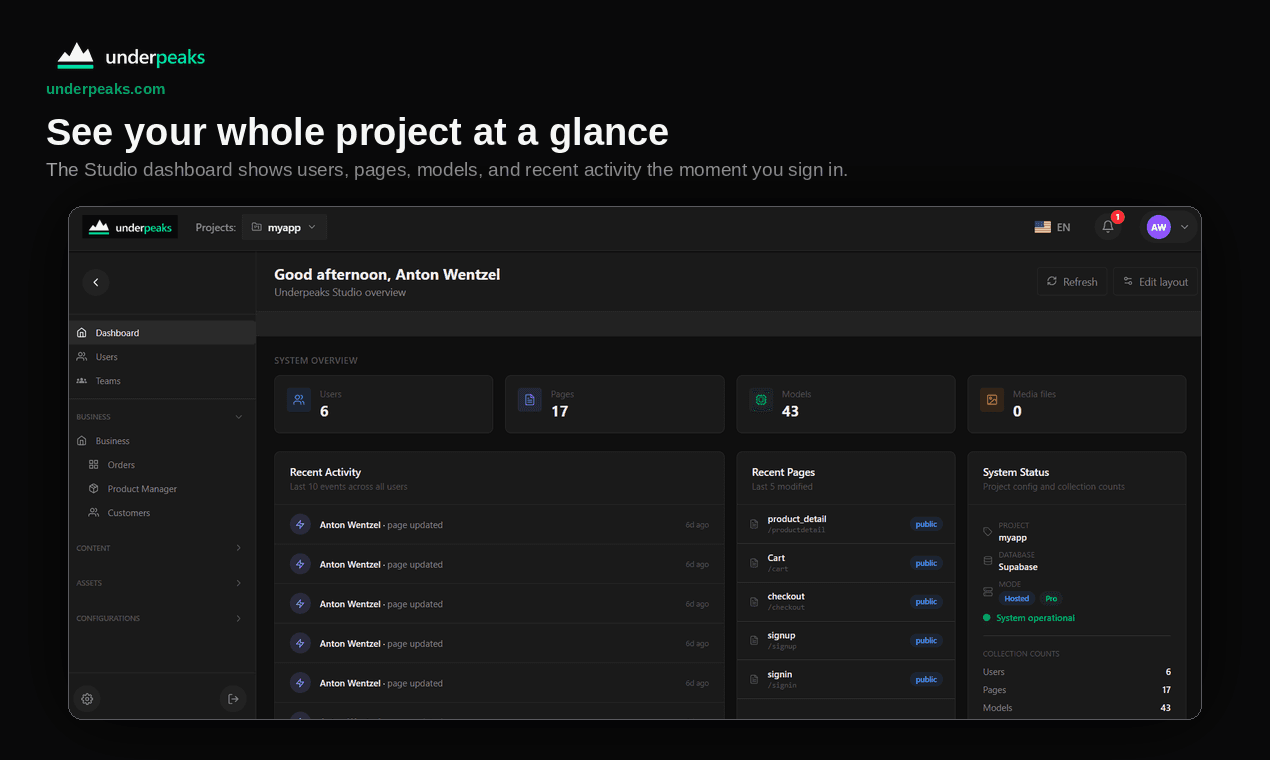
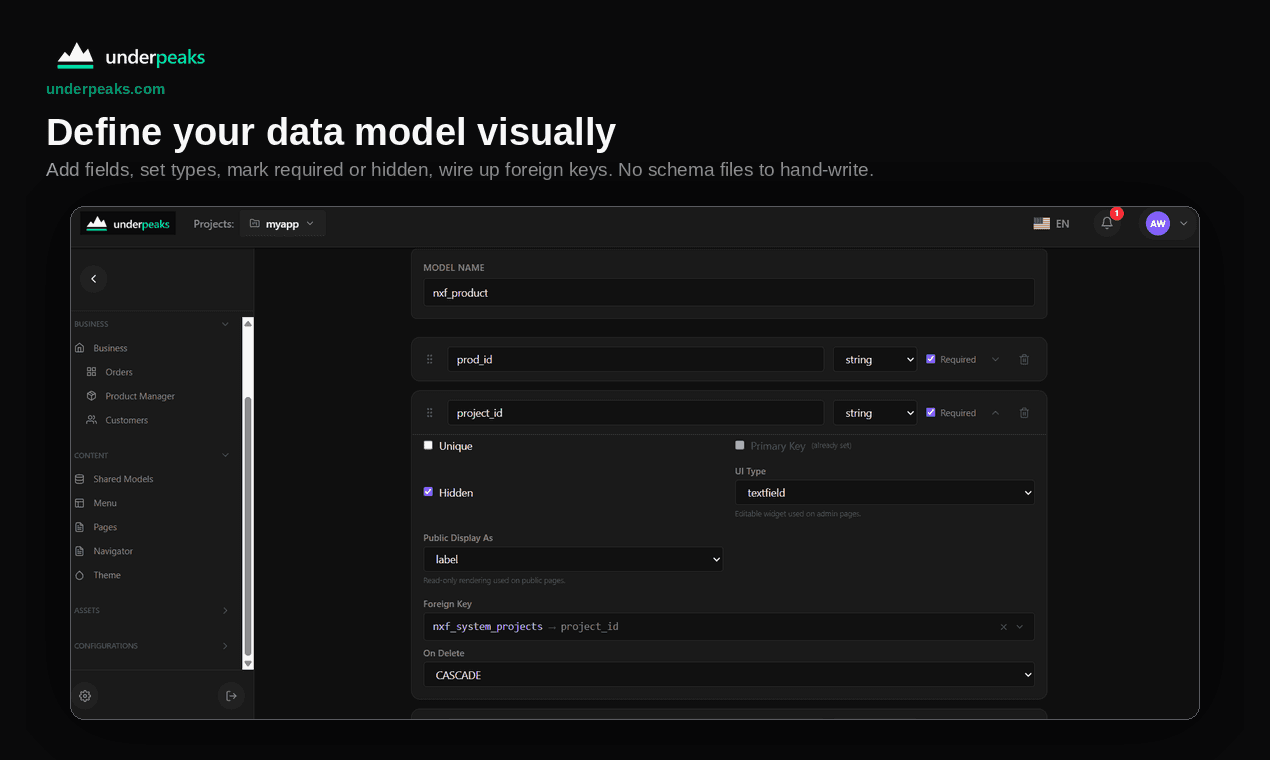
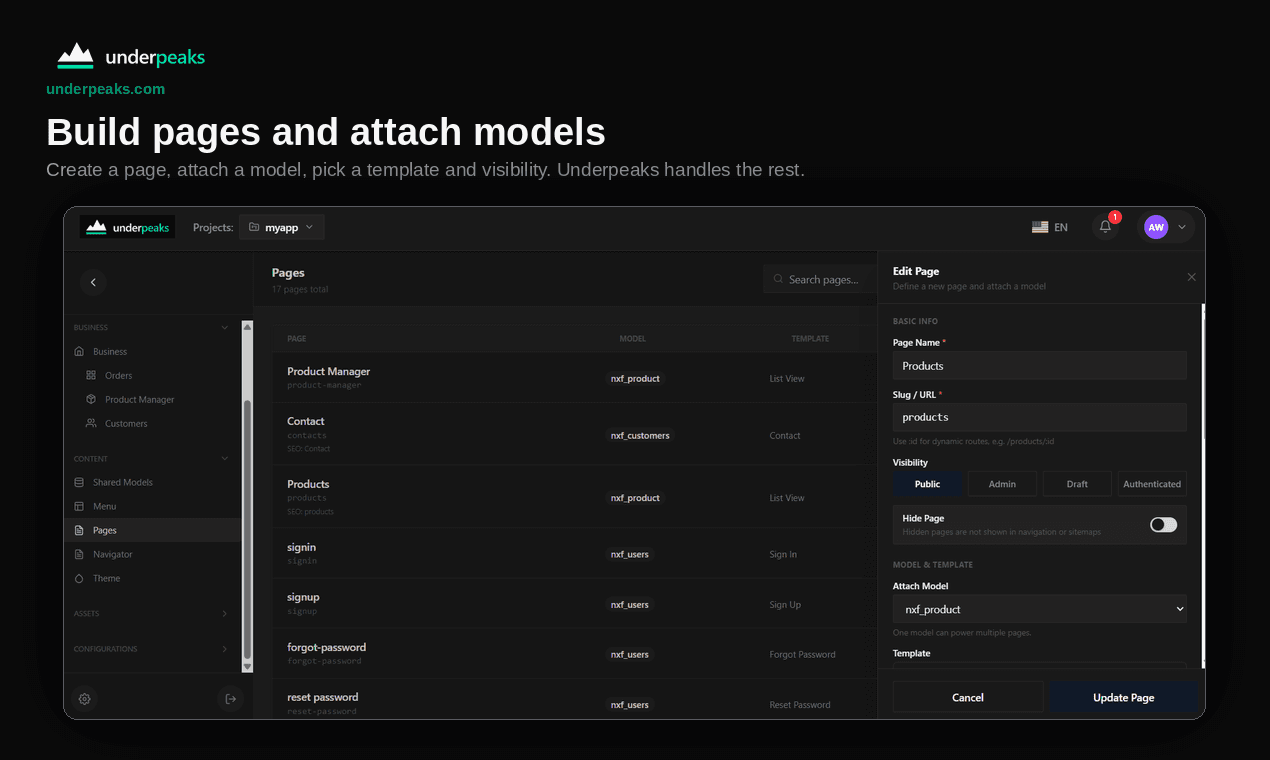
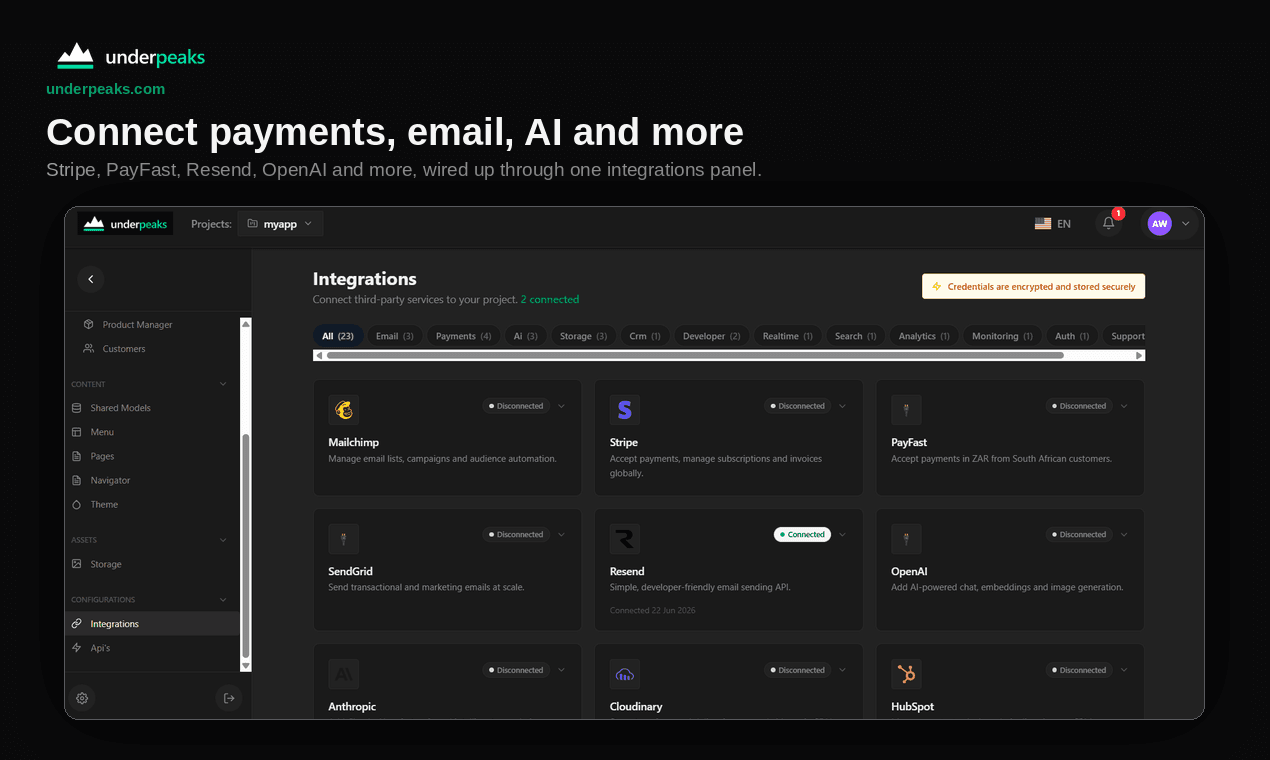
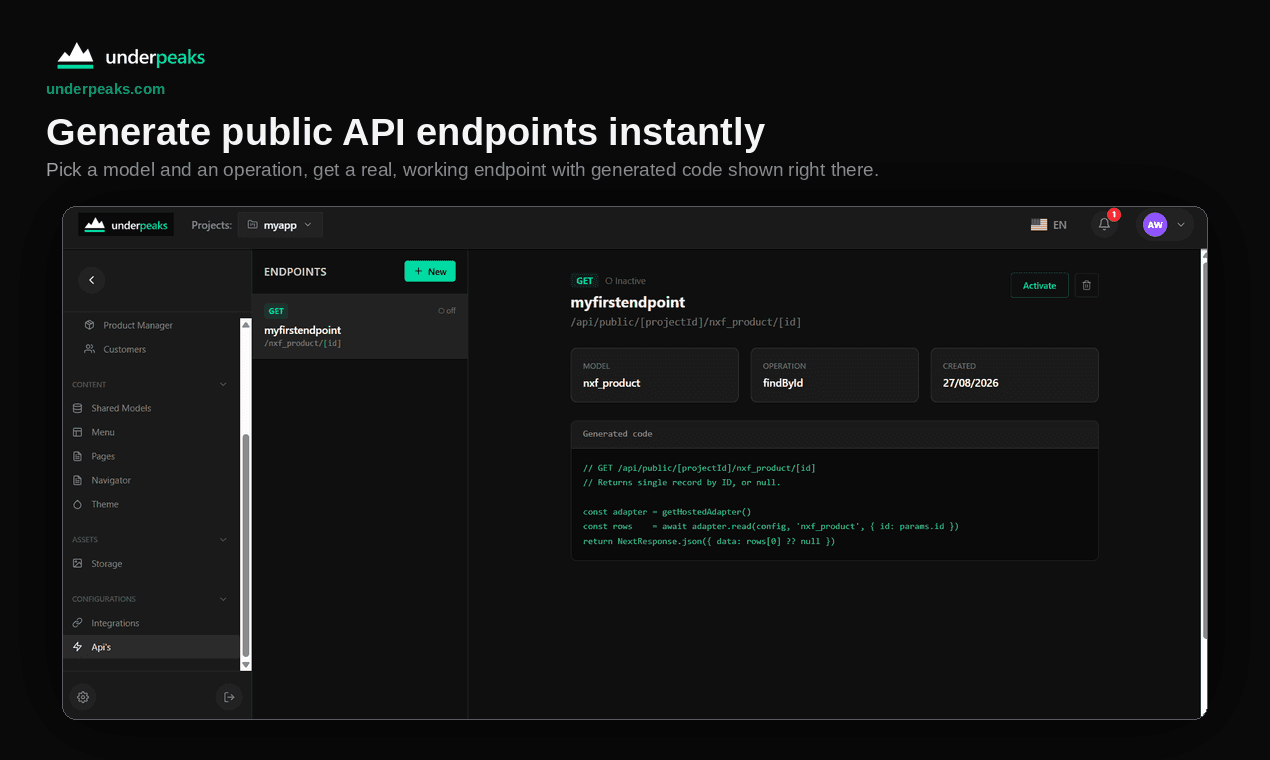
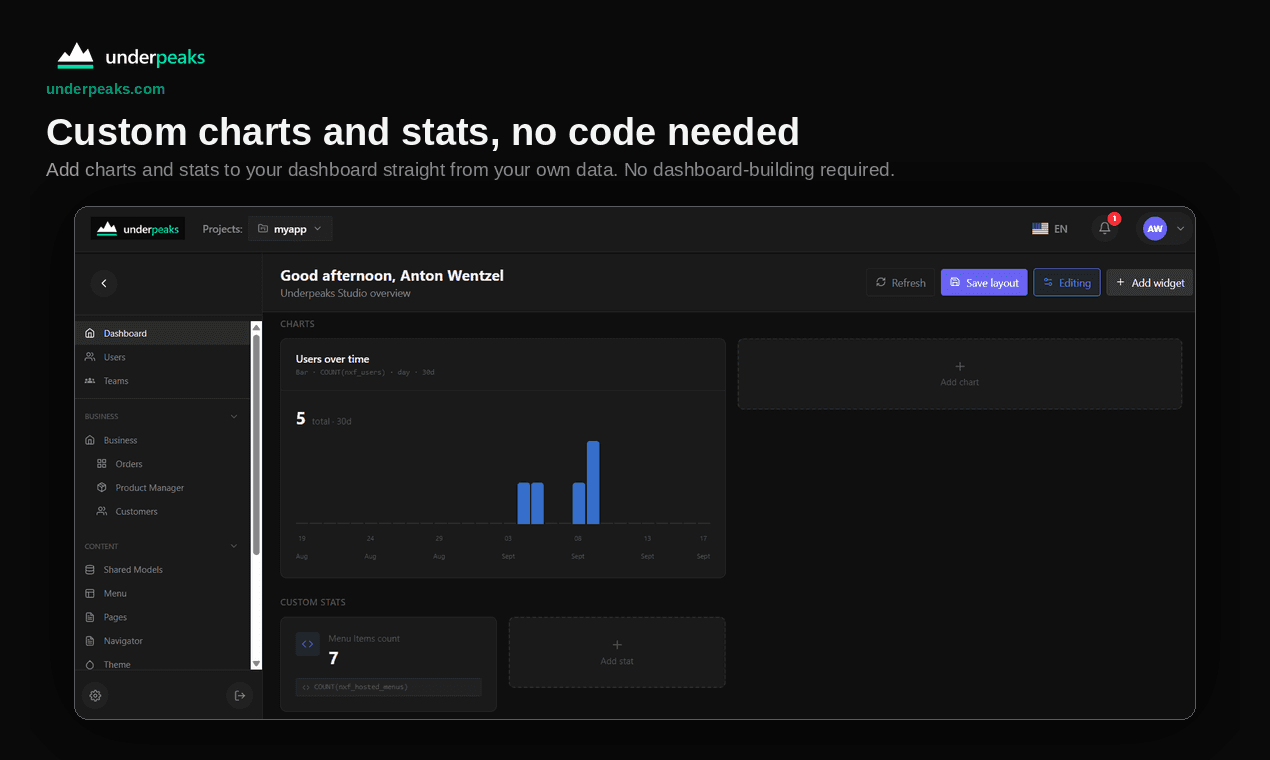
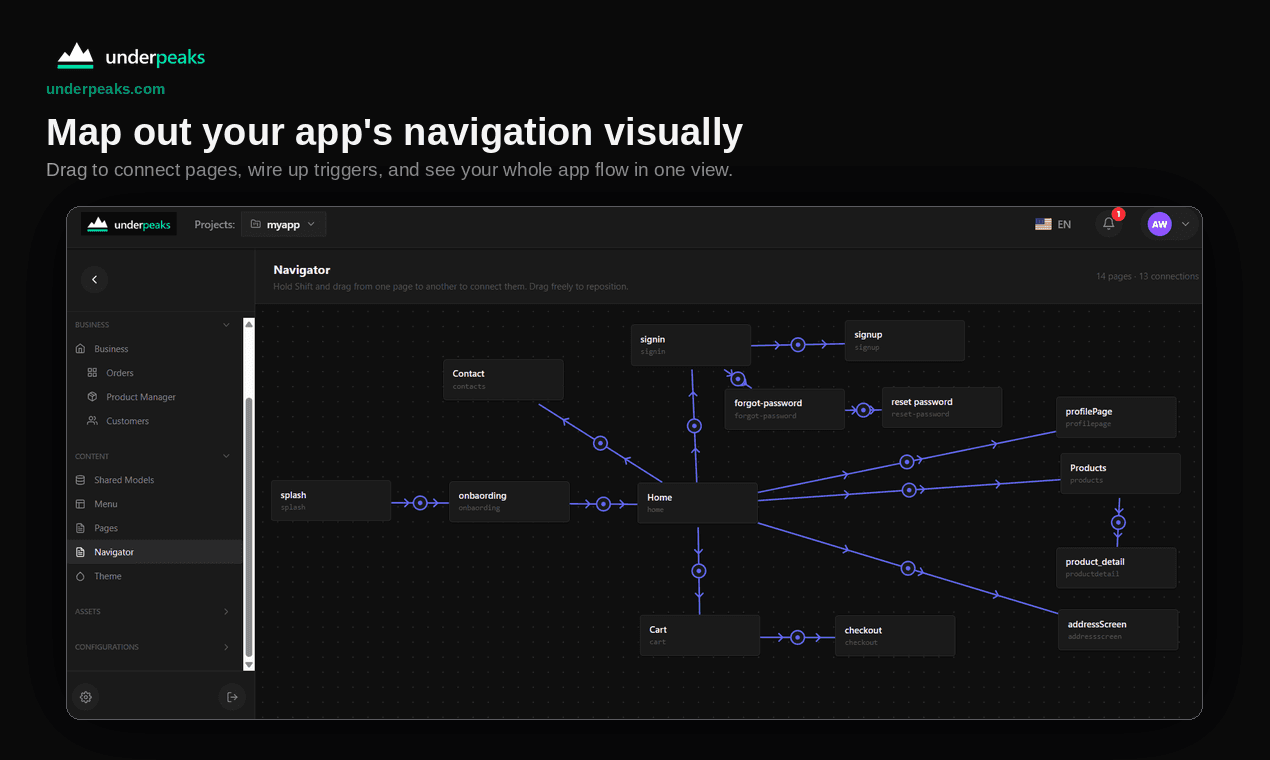
See your whole project at a glance
The Studio dashboard shows users, pages, models and recent activity the moment you sign in.
§ 07 — YouTube
Learn it by watching.
Short, step-by-step videos. The Getting Started playlist takes you from installing Core to a generated app.
 Start here
What is Underpeaks?
What Underpeaks is, who it is for, and how the pieces fit together. Start here.
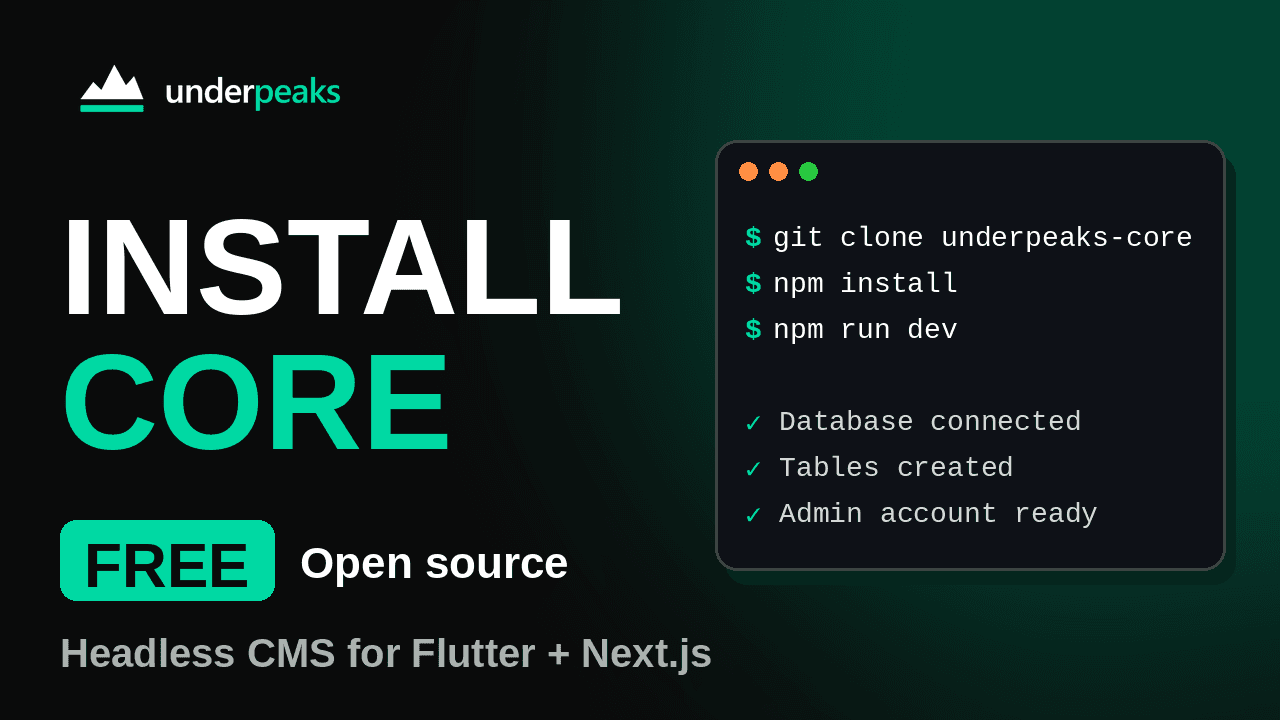
Install Core
Clone the repo, run the installer and sign in for the first time.
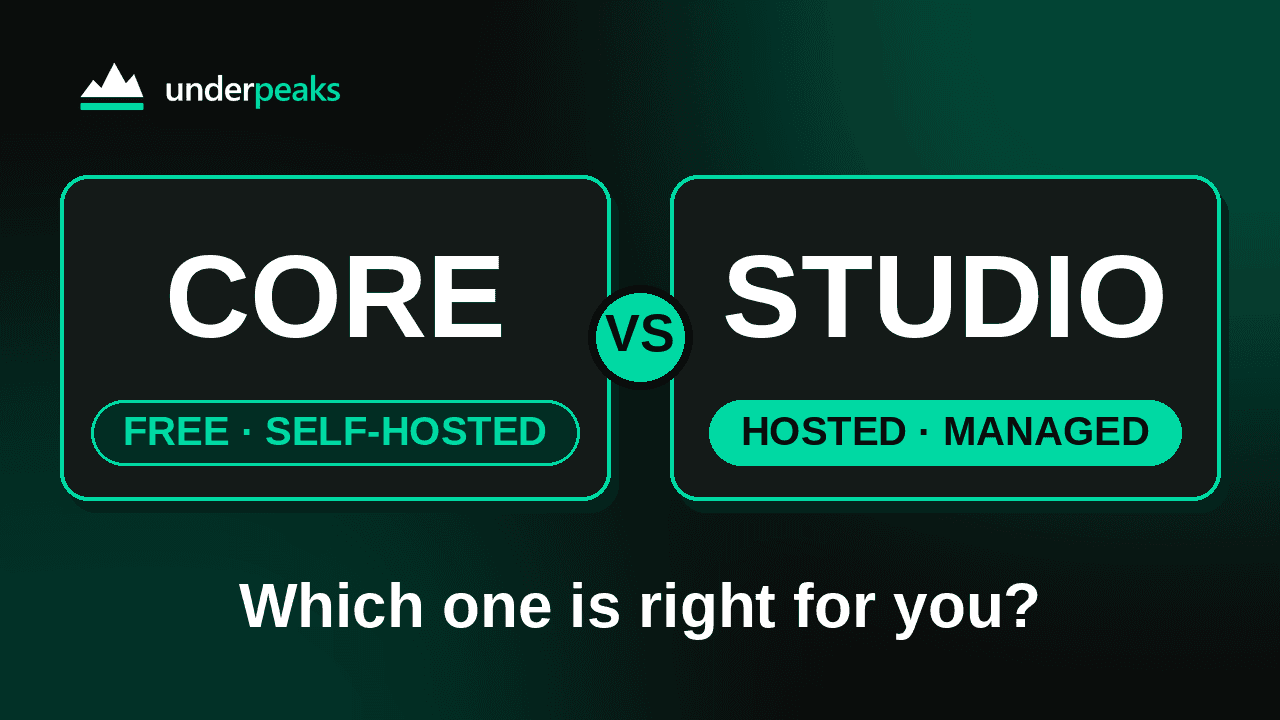
Core vs Studio
Underpeaks Core (free, self-hosted) vs Studio (hosted): what's the same, what's different, and which one to choose
§ 08 — Stack
Built on, and works with.
§ 09 — Coming soon
The Underpeaks SDK.
Drop-in modules for the parts every app needs — authentication, storage, notifications and more — built on the same foundations as your generated code. For Flutter and Next.js.
// Sign infinal user = await NxfAuth.signIn( email: email, password: password,);// Upload an avatarfinal file = await NxfStorage.upload( image, folder: 'avatars',);// Get notified about new ordersawait NxfNotifications.subscribe('orders');What is Underpeaks?
Underpeaks is a headless CMS that generates real Flutter and Next.js apps. You define your data models once, and Underpeaks gives you a backend, a dashboard to manage everything, a REST API and, if you want it, generated app code.
Is it free?
Core, the self-hosted edition, is free and open source under the Apache 2.0 license. It needs a free license key from an Underpeaks account, which you enter the first time you sign in. Studio is the hosted edition and is paid, with tiered plans.
What is the difference between Core and Studio?
Core runs on your own infrastructure, with your choice of database and unlimited team members. Studio is hosted and managed for you, and adds integrations such as AI, email, SMS and payments. You can start with Core and move to Studio later.
Is the generated code written by AI?
No. The code is compiled from your models, not generated by an AI model. The same model always produces the same code.
Do I own the generated code?
Yes. Generating gives you a real Flutter or Next.js project that you own and can edit, including models, the API client and the sign-in flows.
Which databases does Core support?
Supabase, PostgreSQL, MySQL, MongoDB and Firebase. The installer asks for your connection details and sets everything up. Studio runs on managed Supabase.
Is it a website builder?
No. There is no drag-and-drop page editor. You build the frontend you want, and Underpeaks handles the backend work: your data, authentication, file storage and the API.
What do I need to run Core?
Node.js 20 or newer (18.18 is the minimum) and one of the supported databases. Clone the repository, run npm install and npm run dev, then follow the installer.
Where can I get help?
Start with the documentation and the Help Centre. For Core, support is through the community on Discord, and you can log issues on GitHub.
§ 11 — Begin
Stop describing your app. Generate it.
MIT-friendly license · No signup required